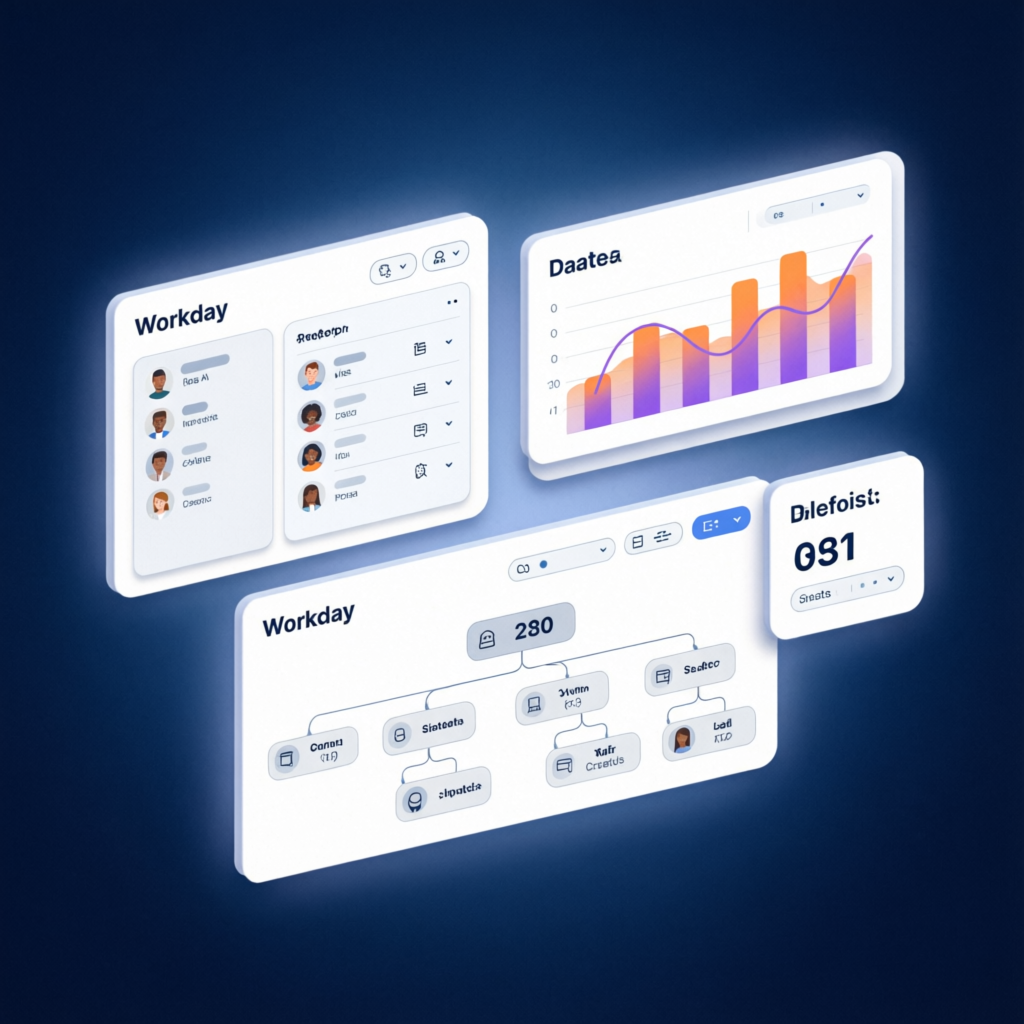
Accessing courses through Workday LMS is a seamless experience that begins on the learning dashboard, where users can browse available offerings and select those they wish to take at their convenience.
Some organisations offer open access to all courses at no cost, while others limit access to only those without associated fees.
In these cases, a verification process ensures that managers review and approve requests before any further action is taken.
Workday LMS Tutorial in Atlanta, Georgia, USA, operates through a structured set of business processes designed to guide users through every step for optimal learning outcomes.
Features such as workflows, announcements, and learning tracks are key components that help maintain a smooth and effective learning environment.
Organisations can enhance these business processes by introducing customised steps or conditions tailored to their unique requirements.
For example, when courses involve fees, rules can be set to require managerial approval after a user expresses interest in a course.
Additionally, organisations may impose restrictions based on department or location, allowing only eligible employees to participate in specific training activities.
Communications in Workday LMS
Communication is at the core of Workday LMS, as automated messages inform both employees and managers regarding enrolments, approvals, and course assignments.
By properly configuring business processes, organisations can ensure all news regarding learning activities is distributed promptly and reliably to relevant staff members.
The Workday LMS Tutorial in Atlanta, Georgia, USA, is initially being offered to employees in a specific region or country, providing them with an exclusive opportunity to benefit from early access.
As business expands, increased accessibility across countries becomes essential. Conditional rules can be used to prevent employees from enrolling in courses that don’t fulfil training requirements; consequently, only those meeting prerequisites can register.
The Workday LMS learning catalogue provides employees with valuable space and time to examine available courses.
Categorised learning materials make finding specific content easy. Learners and administrators see only the varieties relevant to their user roles, protecting training material from becoming widely accessible.
Workday LMS Course Management
The Workday LMS covers every form of learning imaginable – digital, blended and program-based alike.
Users can associate topics within this system so as to specify who and when can access specific courses – for instance, only relevant employees need to register for compliance courses, for example.
Security and Access in Workday LMS
Workday LMS safety standards enable organisations to set access terms. System administrators may then restrict user access by enrolling users for specific courses, or hide digital classroom learning created specifically for USA employees from being visible by enrolling for it as an exclusive training route.
Traditionally, this would have required separate permission from each employee enrolled – something Workday LMS Catalogues don’t offer.
Workday LMS allows users to generate course lists based on catalogues – an indirect means of doing it.
Catalogues present multiple courses more efficiently to address multiple teams simultaneously.
Companies also often prefer catalogues targeted specifically toward C-Suite members, leaders or employees, as this ensures there are only training modules relevant for specific groups within their organisation.
Workday LMS security settings clearly stipulate who may access specific catalogues, ensuring employees only enrol for approved training courses and do not sign up for unauthorised ones.
This is particularly relevant for those attending the Workday LMS Tutorial in Atlanta, Georgia, USA, where understanding these systems can greatly enhance productivity and compliance.
Course Types in Workday LMS
Workday’s LMS system accepts courses in either a digital or blended form for submission, providing students with full autonomy over when and how much training to complete themselves, while blended courses include instructors for hands-on training opportunities.
Workday LMS programs are blended course sets organised to deliver an inclusive learning experience for employees.
Before they can mark their training as complete, all courses within an LMS program must first be completed by each employee in turn.
Workday LMS Tutorial in Atlanta, Georgia, USA, differentiates enrollment and assignment into distinct concepts, assigning means informing employees they should complete it, while enrollment requires actively enrolling for these assigned courses.
Managers and learning administrators have the option of sending mass notices or individually enrolling employees manually into programs they create.
Course scheduling may take place right away or later in time after programs have been constructed.
Workday LMS Provides Structured Learning Pathways
A systematic way to arrange employee learning pathways within an LMS, Workday LMS allows employees to sign up for digital or blended programs based on their tasks via security settings that ensure only authorised individuals have access to specific learning material.
Workday LMS Tutorial in Atlanta, Georgia, USA, considers learning campaigns and notices captivating and ensures employees always receive the timely news they require, as well as complete their assigned training on time.
Examining Workday LMS
Workday LMS offers employers a tool designed to ease training program administration without many setbacks or obstacles.
If your approach includes sending regular alerts, Workday LMS supports this functionality; otherwise, it allows employees to easily register for and complete required training on time.
Scheduling plays a crucial role in ensuring that learning programs are properly allocated and completed efficiently.
By taking the blended Workday LMS Tutorial in Atlanta, Georgia, USA, users can unlock several features of the platform.
One key feature is access to transcript history, which tracks all completed courses and provides staff with a clear view of their learning progress.
Additionally, Workday offers pre-built templates to indicate when an academic program has been completed.
While certificates that don’t follow standard formats require custom development outside of Workday, these templates simplify training management considerably.
Customising Workday LMS for Organisations
Have you heard about Workday LMS’s entry keeping feature? This function stores all subjects that have been taken.
Employees can utilise this element of the system to select courses and view details about them, such as name, course name and completion date.
While we aren’t able to offer proof for every individual course taken through it is still an invaluable way of keeping track of progress made over time.
Workday LMS can easily be configured for organisations when necessary. The system offers features or connectors to business intelligence tools for crafting traditional or personalised layouts that include logos.
Once finished, such designs can then be imported into Workday LMS Tutorial in Atlanta, Georgia, USA, for access by all organisations, so employees will recognise the look that is depicted on transcripts from their company.
Integrating Talent of Workday LMS
Workday LMS boasts the capability of meeting various organisational stipulations with its flexible integration capacity, which has made it popular with organisations of various kinds.
Businesses in need of a Workday LMS tutorial in Atlanta, Georgia, USA, can benefit from its extensive features.
Although its primary use is with Workday systems, this tool also has integration potential with Azure platforms.
This characteristic enables the user to customise reports according to his or her specific requirements before publishing them within the LMS and accessing modified reports from the learning dashboard.
The Workday LMS learning dashboard is at the core of its offering and features reports with very important news that are integral to business operations.
Businesses using Workday LMS for training management enjoy less difficult, highly organised processes with its learning management dashboard at its centre.
Automated Workday LMS Course Management Workflow
Workday LMS When new versions become available, older ones are gradually phased out organically to ensure learners always benefit from up-to-date knowledge.
Workday LMS makes this a simpler and less laborious process by eliminating manual overhead in this process.
We can explore how updating on Workday LMS works. Updating doesn’t involve creating something completely new – rather, strengthening its existing form so as to meet evolving training needs and ease for learners.
When Workday LMS system maintenance occurs, previously available system(s) disappear, making training simpler for all involved.
Next, we will address course selection using Workday LMS. Ensuring proper enrollment ensures learners can study without interruptions – Workday LMS offers robust substantiation rules that enable seamless registration processes for its users.
Workday LMS system’s drop a course setting establishes rules by which people may cancel courses they enrol in; being aware of these, learners can have a more organised experience through their training process.
Workday LMS ensures that any suspension decisions follow structured business steps to minimise disruptions to learning processes and ensure continuity in education.
Workday LMS is a highly organised tool, constantly adapting its performance to adapt to ever-evolving education requirements.
From managing course renewal and student enrollment management, Workday LMS remains the number one choice among educational establishments worldwide.
Versioning Courses in Workday LMS
Workday LMS versioning is essential for maintaining compliance, especially when new regulations or improved learning content come into effect. In such cases, updating courses becomes mandatory.
The Workday LMS Tutorial in Atlanta, Georgia, USA, emphasizes how administrators are provided with the flexibility to either update an existing course version or create an entirely new one, offering robust course management options at every stage.
Learners who are in the middle of completing an older version of a course can continue without disruption, and their completion status is recorded in their learning history. However, issues may arise that require manual intervention by staff.
Due to technical issues with previous course files in Workday LMS, managers were required to enrol learners into new versions of those courses.
Administrators can also set expiration dates for courses based on specific learning objectives. Once a course expires, it is archived to prevent further enrolments, but remains accessible for reference purposes.
These features ensure that the Workday LMS supports a current, compliant, and well-managed learning catalogue.
Lauren
Writing to inspire steady progress and mastery through online training.