New batches starting soon � Workday HCM, Integration & Studio with live tenant access. Reserve your seat ?
Beginner 2 Weeks Online Certificate

Workday Reporting Tutorial

4.5(42 reviews)450 students enrolled

A beginner-friendly tutorial covering the fundamentals of Workday Report Writer. Learn to build custom reports, use calculated fields, and create basic dashboards � no prior experience needed.

24 LessonsSelf-paced video
4 ProjectsBuild your portfolio
Tenant AccessLive report writer
View Curriculum
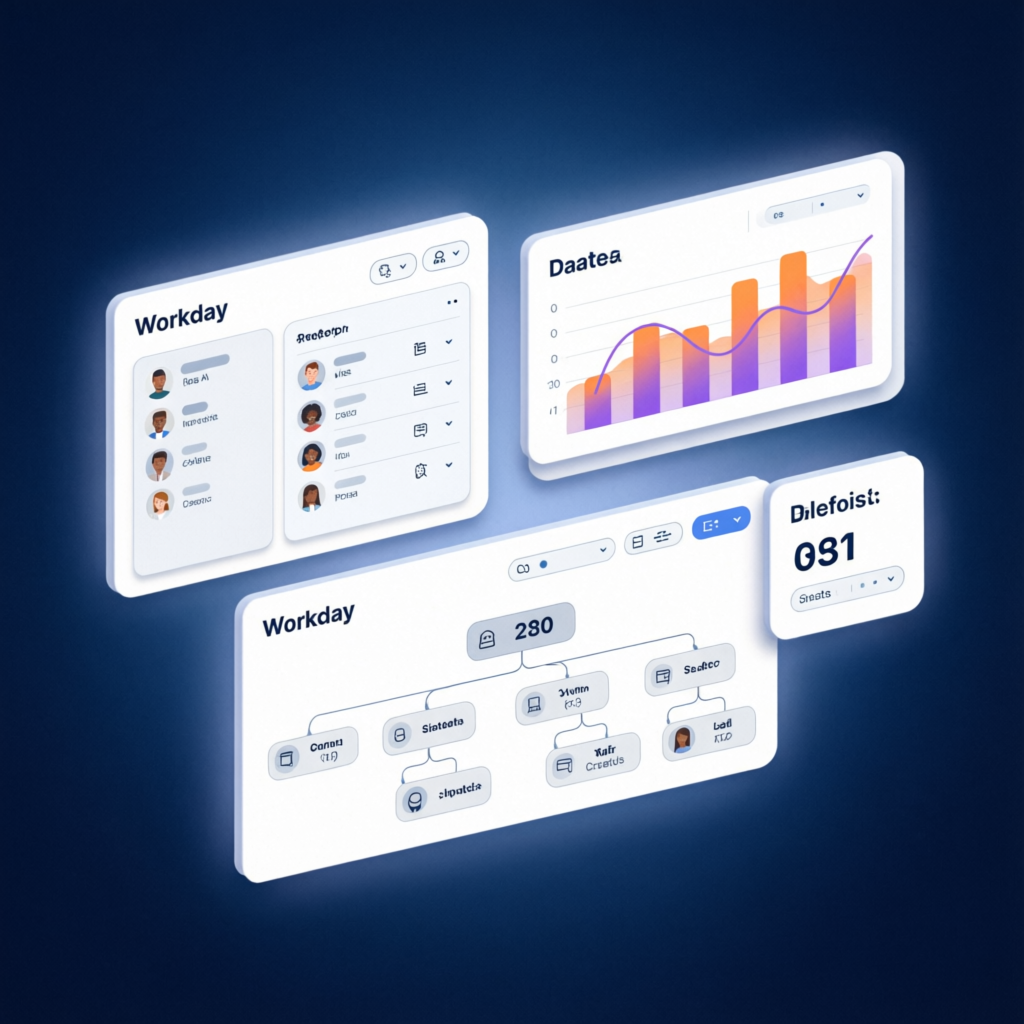
Workday Reporting tutorial dashboard
Live Report WriterPractice in real tenant
CertificateOn completion
75,000+
Students Trained
4.5
Average Course Rating
24
On-demand Video Lessons
94%
Completion Rate
Report Writer Calculated Fields Dashboards Composite Reports Matrix Reports Trending Reports Discovery Boards Report Security Data Sources Workforce Analytics
What You'll Master

Learning Outcomes

Beginner-friendly Workday reporting skills you'll master in this tutorial.

Navigate the Workday Report Writer interface with confidence

Create simple and advanced custom reports from scratch

Apply filters, sorting, and grouping to organize report data

Build basic calculated fields for date and text calculations

Design a simple dashboard with embedded reports

Share and schedule reports for team distribution

6 Modules � 24 Lessons

Course Curriculum

4h of structured, hands-on Workday Reporting tutorial content.

What is Workday Reporting?Preview10 min
Report Writer Interface Tour12 min
Understanding Data Sources10 min
Report Types Overview8 min
Creating Your First Report15 min
Adding and Arranging Columns12 min
Filtering Data Effectively10 min
Sorting and Grouping Results10 min
What Are Calculated Fields?12 min
Simple Date Calculations10 min
Text Concatenation Fields10 min
Basic Numeric Calculations10 min
Dashboard Basics and Navigation12 min
Creating a Simple Dashboard12 min
Adding Reports to Dashboards10 min
Dashboard Layout and Design Tips10 min
Saving and Organizing Reports10 min
Sharing Reports with Teams10 min
Report Scheduling Basics10 min
Exporting and Printing Reports10 min
Building a Headcount Report from Scratch20 min
Creating an Attrition Analysis Report18 min
Common Reporting Mistakes and Fixes16 min
Where to Go Next: Advanced Reporting Path16 min
Your Journey

How This Tutorial Works

From enrollment to certification in four simple steps.

1

Enroll & Get Tenant Access

Sign up free and receive your Workday reporting sandbox credentials within minutes.

2

Follow the Tutorial Videos

Watch step-by-step lessons on Report Writer, calculated fields, and dashboard basics.

3

Practice in the Sandbox

Build your own reports and dashboards in a live Workday tenant environment.

4

Earn Your Certificate

Complete the tutorial, get certified, and access career resources to advance your journey.

Build a Portfolio

Hands-on Projects

Beginner-friendly projects to build your Workday Reporting confidence.

Your First Custom Report

Build a simple worker details report with columns, filters, and sorting to understand the basics.

Headcount by Department Report

Create a grouped summary report showing employee counts by department with calculated totals.

Basic HR Dashboard

Design a simple dashboard combining a headcount report and attrition metrics for quick insights.

Scheduled Report Setup

Configure a recurring report delivery schedule to share insights with your team automatically.

Meet Your Mentor

Learn From a Certified Expert

A practitioner who has trained hundreds of beginners to become confident Workday report builders.

Sarah Mitchell, Workday HCM Expert

Sarah Mitchell

Workday Reporting Expert � Lead Instructor

12+ years of Workday implementation experience with deep expertise in reporting, analytics, and dashboard design. Certified Workday Report Writer and HCM professional who has delivered complex reporting solutions for Fortune 500 organizations.

12+ yrsReporting & Analytics
2� CertifiedReport Writer & HCM
75k+Students trained
Student Stories

Loved by 75,000+ Learners

Real outcomes from real students who took the leap.

"As a complete beginner, this tutorial was perfect. The step-by-step approach helped me build my first report in under an hour. Now I create custom reports for my entire HR team."

Priya Sharma
Priya SharmaHR Assistant ? Reporting Power User

"I was intimidated by Workday Report Writer before this tutorial. The short, focused lessons made everything click. I can now build reports that save my team hours of manual work."

Marcus Johnson
Marcus JohnsonIT Consultant � Dallas, TX

"Sarah makes reporting so simple to understand. I went from zero to building dashboards in just two weeks. My manager was impressed by the insights I brought to our monthly reviews."

Emily Chen
Emily ChenHRIS Specialist � Atlanta, GA
Got Questions?

Frequently Asked Questions

Everything you need to know before enrolling.

Absolutely! This tutorial is designed for beginners with no prior Workday experience. We start from the very basics of Report Writer and build your skills step by step.

Absolutely. The course is currently sponsored as part of our scholarship program. You get full video access, tenant credentials, projects, certificate and mentor support at zero cost.

The tutorial is designed to be completed in 2 weeks, with about 4 hours of video content. You can learn at your own pace with lifetime access to all materials.

Yes! Every enrolled student gets personal credentials to a live Workday training tenant. You'll practice building reports directly in Report Writer � not in a simulated environment.

Yes � a verifiable certificate of completion issued by HCM Training Zone, shareable on LinkedIn and recognized by our hiring partners.

Lifetime mentor support via community channels, weekly live Q&A sessions with certified consultants, plus resume reviews and mock interviews for career-track students.

Why HCM Training Zone

Not just videos � a real report writer.

Most tutorials stop at theory. We hand you the keys to a live Workday tenant with Report Writer so you learn by doing, the same way professionals learn on the job.

Live Report Writer Sandbox

Build real reports inside an actual Workday environment � not just simulated exercises or screenshots.

Mentor-Led, Not Pre-Recorded Only

Weekly live Q&A with certified Workday consultants who review your reports and answer your real questions.

Learn at Your Pace, Not Rushed

Self-paced video lessons, lifetime access, and a supportive community to help you every step of the way.

Mentor-led Workday training session
94%Finish & get certified
Career Outcomes

Roles You'll Be Ready For

Workday Reporting skills open doors. Graduates use this tutorial as a foundation for these in-demand roles.

Workday Report Analyst HR Reporting Specialist HR Data Analyst People Analytics Associate HRIS Coordinator Business Intelligence Analyst
$78kAvg. starting salary
3 moAvg. time to hire
89%Get placed

Salary Range by Role (USA)

Workday Report Analyst$75k � $105k
HR Reporting Specialist$70k � $95k
HR Data Analyst$65k � $90k
People Analytics Associate$80k � $110k
Business Intelligence Analyst$72k � $100k
Upcoming Batches

Choose Your Cohort

Small cohorts, big outcomes. Reserve your seat before they fill up.

Weekday
Starts Aug 4, 2026

Morning Batch

Mon�Fri � 9:00 � 11:00 AM CST

  • Live instructor sessions
  • Personal tenant access
  • 4 graded projects
30 seats9 left
Most Popular
Starts Aug 18, 2026

Evening Batch

Mon�Fri � 7:00 � 9:00 PM CST

  • Live instructor sessions
  • Personal tenant access
  • Career placement support
30 seats5 left
Weekend
Starts Sep 1, 2026

Weekend Batch

Sat�Sun � 10:00 AM � 1:00 PM CST

  • Live instructor sessions
  • Personal tenant access
  • Working-professional friendly
30 seats18 left

Ready to Learn Workday Reporting?

Join 75,000+ professionals who have started with HCM Training Zone. Get real tenant access and a certificate � completely free. No experience required.

Explore Courses

Stay Updated

Get the latest courses, tutorials and career tips delivered straight to your inbox.

Thanks! You're subscribed. Check your inbox for confirmation.
Done